How it works
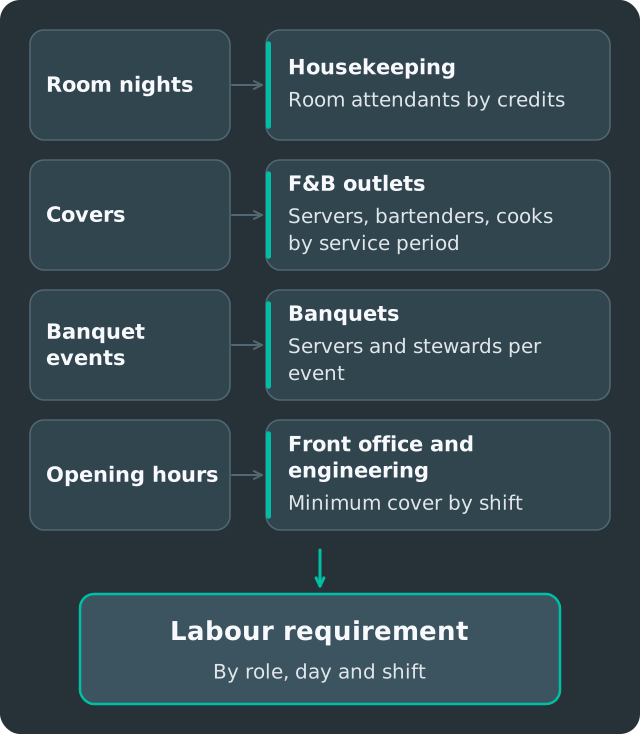
- Set base manning. The minimum number of people each role needs per day or shift, for every outlet.
- Add demand. Enter or import the forecast by day, hour or service period, or let demand drivers convert volume into staff, for example one server per 20 covers.
- See the requirement. The labour requirement by role and day is shown in the Shift Planner.
- Roster to it. Coverage pills show where the roster is short or over, and Smart Fill drafts against the requirement.