How it works
- Create or import the employee profile.
- Set linked outlets, primary role and employment type.
- Assign leave entitlements and a permission preset.
- The roster, timesheets and payroll all use the same record.
HRIS & Leave
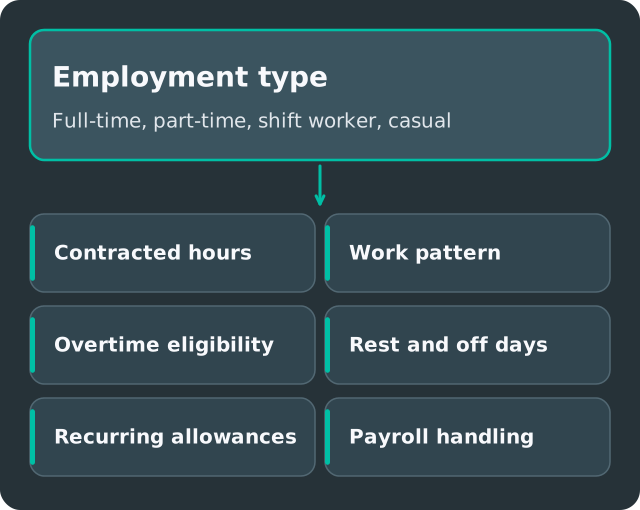
The Inside Employee Hub keeps each employee's work details, personal details, compensation, leave and permissions in one profile. Because employment type sets contracted hours, rest and pay type, and linked outlets and roles decide where someone can be scheduled, the HR record and the roster always agree.
A part-timer's hours change in the HR file but not in the roster. Someone moves outlet and still appears on the old schedule. Leave balances are tracked in a spreadsheet nobody trusts.
Linked outlets (scheduleable or admin), roles and a primary role decide where and as what someone can be rostered.
Used by: HR, managers
Full-time, part-time, contract or casual, salaried or hourly, with minimum and maximum hours and minimum rest that the Shift Planner and Smart Fill enforce.
Used by: HR, payroll
Pay type and rates sit on the profile and flow into the pay run.
Used by: HR, payroll
Entitlements, balances and off-in-lieu tracked per employee, deducted on approval.
Used by: HR, staff
Start from Worker, Supervisor or Outlet Manager presets and adjust access per person.
Used by: admins, HR
Yes. Employees can be imported during setup.
Staff submit profile changes in the Inside app, and a manager or HR approves them.
Yes. Link them to each outlet where they can be scheduled.
Tell us about your outlets, workforce mix and current tools. We'll show you the workflows that matter to your team.